Simple backups. Clear restores. No surprises.
See pricingFor Windows 10 and 11 (64-bit) · 30-day free trial · one-time price, no subscription
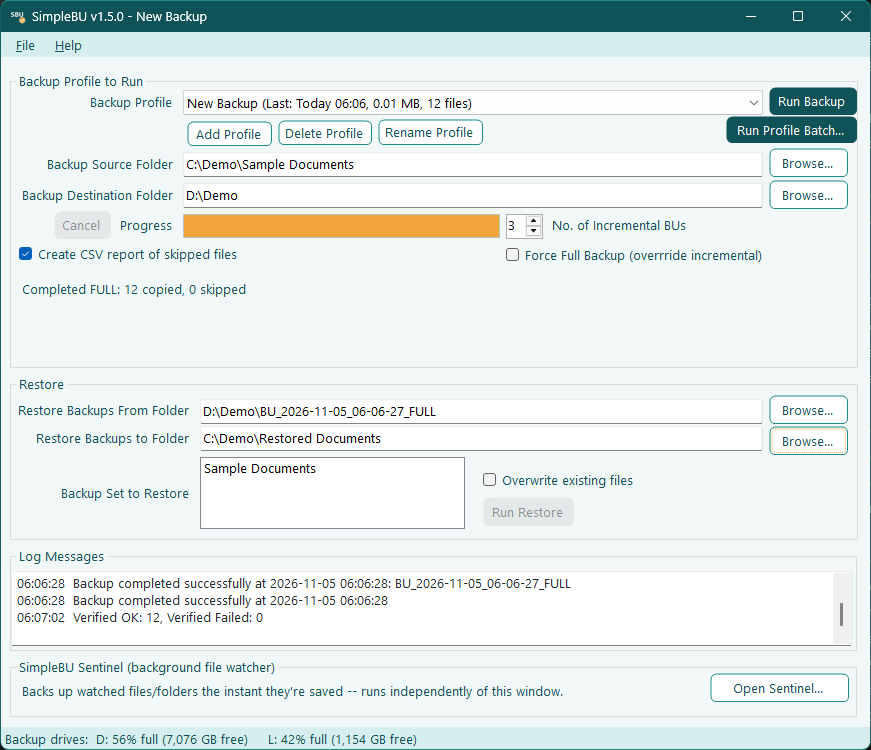
SimpleBU is a straightforward backup and restore utility for Windows. It creates full and incremental backups when you tell it to, restores files only after you confirm, and shows you exactly what it is doing the whole time.
Pick a source folder and a destination. SimpleBU decides between a full and an incremental backup based on the backups already there, so you never manage that yourself. Nothing runs until you click.
Restoring a backup point gives you your folder as it was at that moment. Each backup keeps a list of the files that existed, and a restore is always confirmed before it begins.
A backup is written to a temporary folder and renamed only when it finishes. Cancel, power loss or a pulled cable leaves nothing that looks complete but isn't.
Running out of room? SimpleBU can combine old backups into one checked archive on another drive, each file stored once, and then remove the old backups it fully covers — only when you say so.
A backup on the same drive as the original isn't a real backup. SimpleBU warns you before it runs one, and a strip at the bottom of the window shows how full each backup drive is.
No background services, no cloud account, no hidden automation. Every action is visible in the activity log, and your settings are one small, readable file.
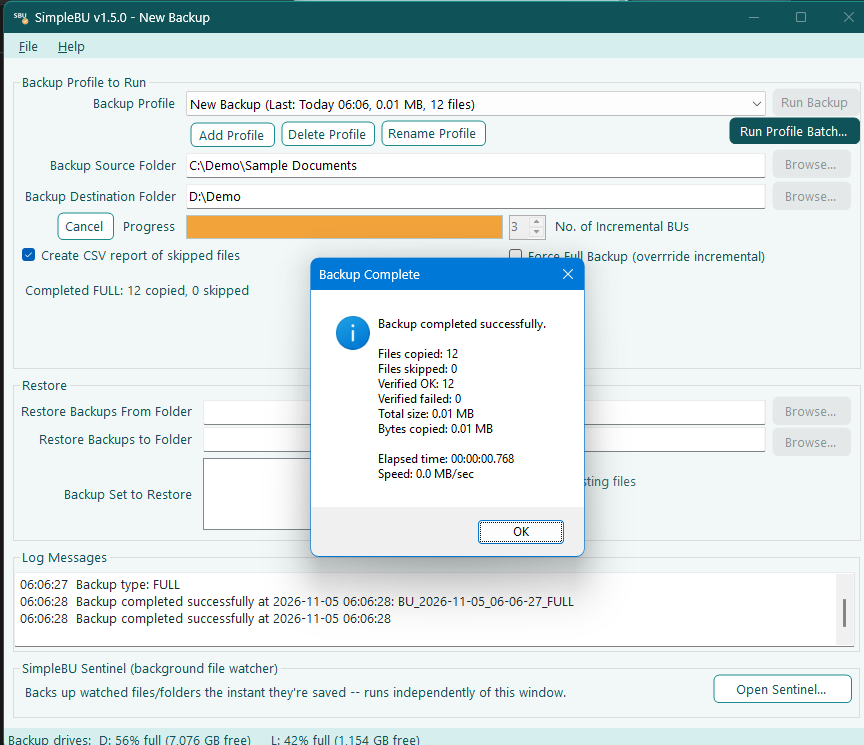
One window, plain labels, and a log that tells you what happened.
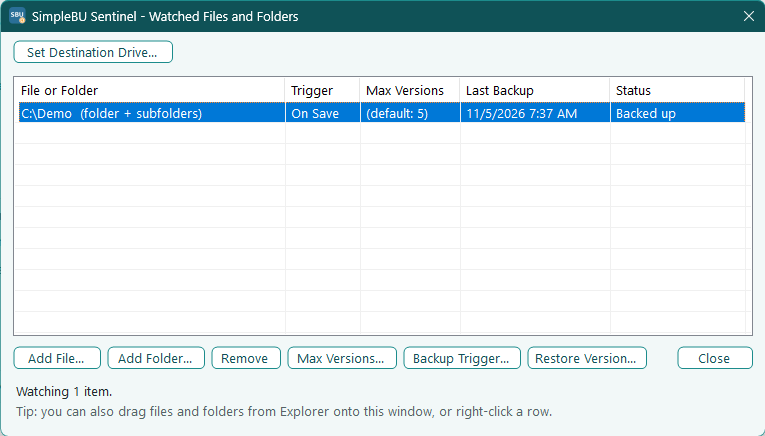
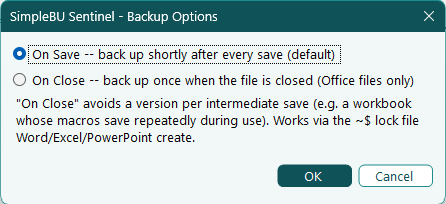
SimpleBU itself only runs when you start it. If you want more, two separate installs are available. Both stay visible while they work.
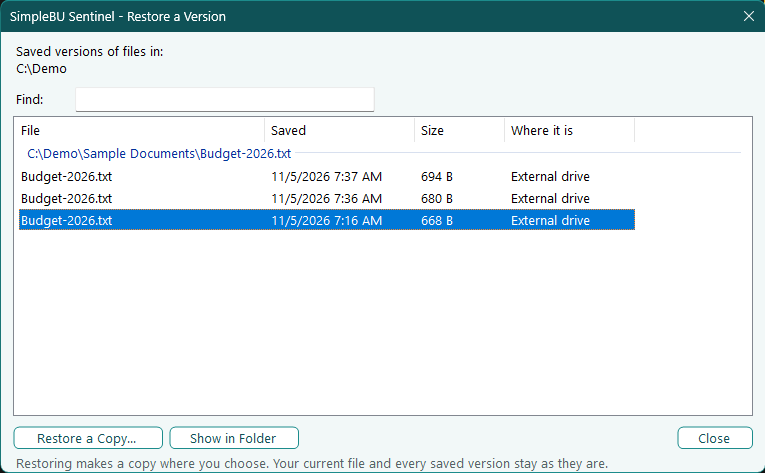
A small tray application that keeps dated copies of the files and folders you choose each time you save them, so you can go back to an earlier version of a document. It tells you about problems instead of failing silently.
Runs your SimpleBU backup profiles on a schedule using Windows Task Scheduler, with no window. Every run is recorded in a log, and you are notified when a run needs attention.
Every product has a 30-day free trial that starts the first time you run it. After that, buy once and keep it: no subscription, no renewals. Prices are in US dollars; sales tax or VAT is added at checkout where it applies.
All purchases are covered by our 30-day refund policy. Your license key is emailed to you, and works offline: SimpleBU never contacts a server to check it. Restoring files is never locked, even if a trial or license has ended.
SimpleBU stops creating new backups until you enter a license key. Restoring files and reading your existing backups always keeps working.
No. SimpleBU, Sentinel and Unattended make no network connections. See the privacy policy.
After purchase you receive a key by email. Paste it into Help → License / Enter License Key. The key is checked on your PC and needs no internet connection.
Sentinel: no. It works on its own, with its own settings and tray icon. Unattended: yes. You create your backup profiles in SimpleBU, and Unattended then runs them on a schedule without SimpleBU open.
64-bit Windows 10 or Windows 11. The installer includes everything it needs.
Yes. Contact us and we'll help you move it.
Questions, license help or a lost key: info@kuryenterprises.com
SimpleBU is made by Kury Enterprises, LLC.
 SimpleBU